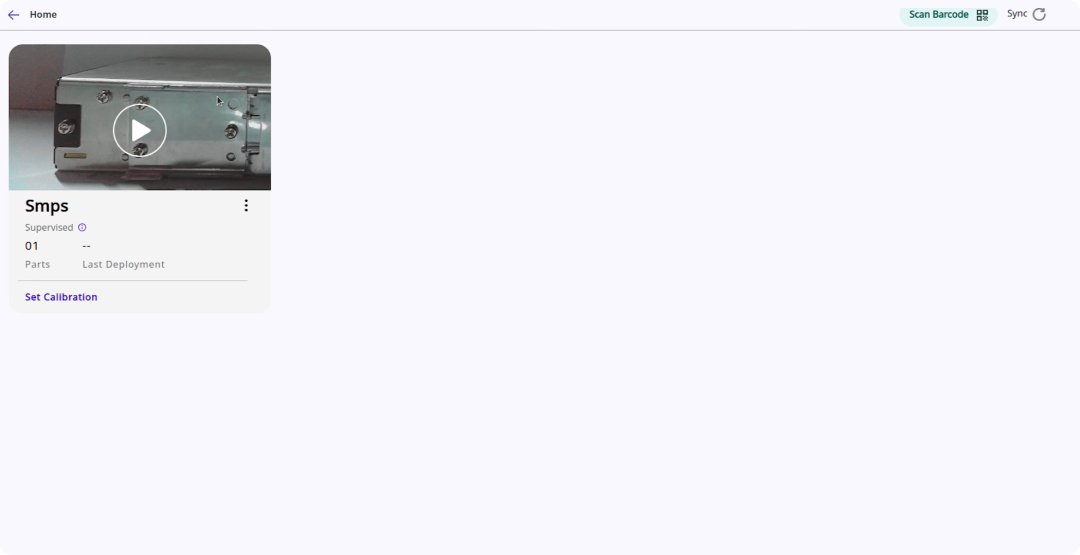
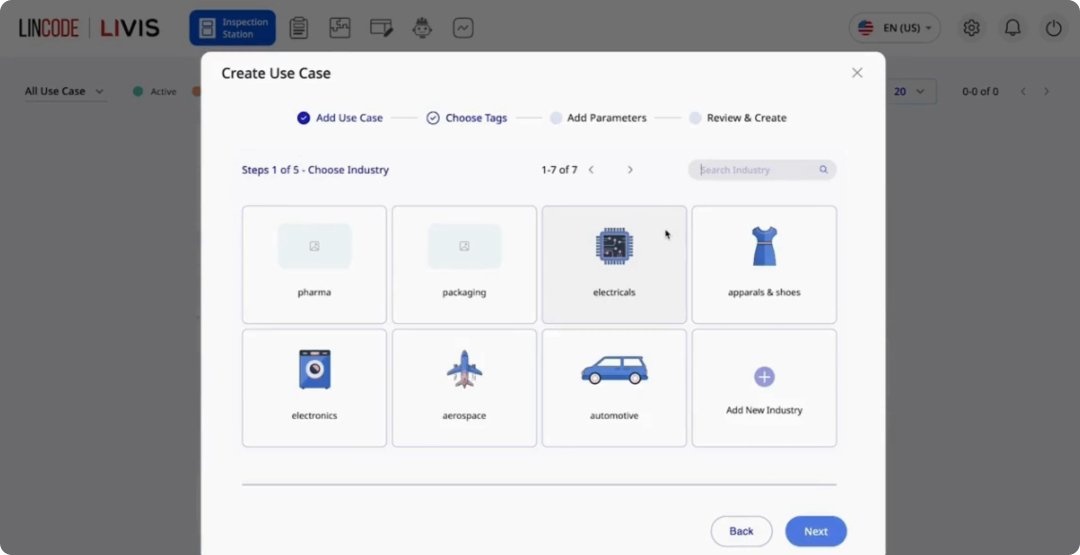
Seamlessly connect existing hardware or deploy new vision systems tailored to your line.
Save Time with Pre-Trained Use Cases
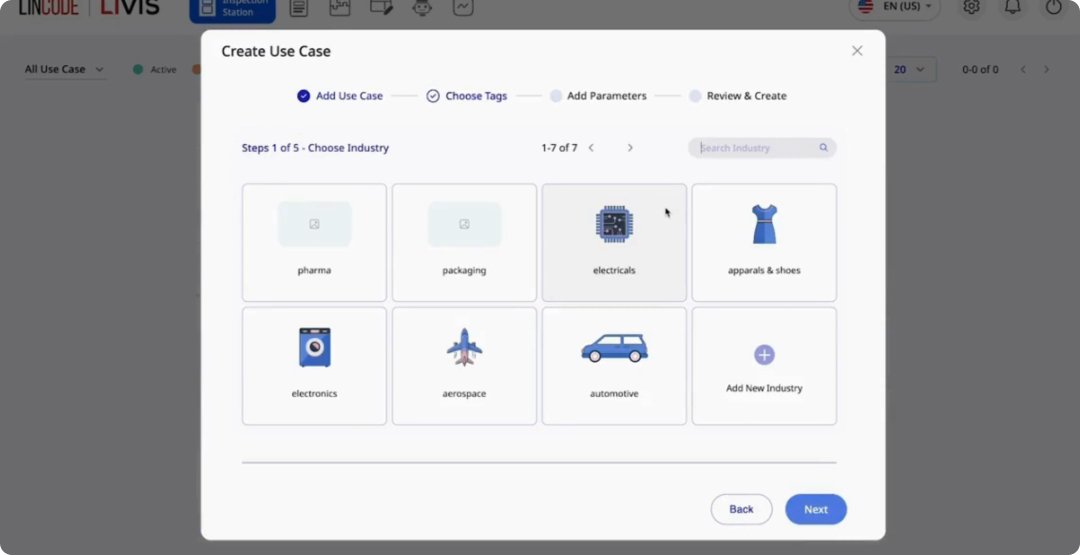
Access a curated library of 950M+ datasets and 700+ pre-trained use cases across surfaces and industries. Apply custom rules from defect size and count to presence checks to fit your exact inspection needs.
Simplify Dataset Preparation
Use auto-annotation, augmentation, and customizable tolerances to label defects quickly and accurately without extra effort.
Build Accurate Models Without the Overhead
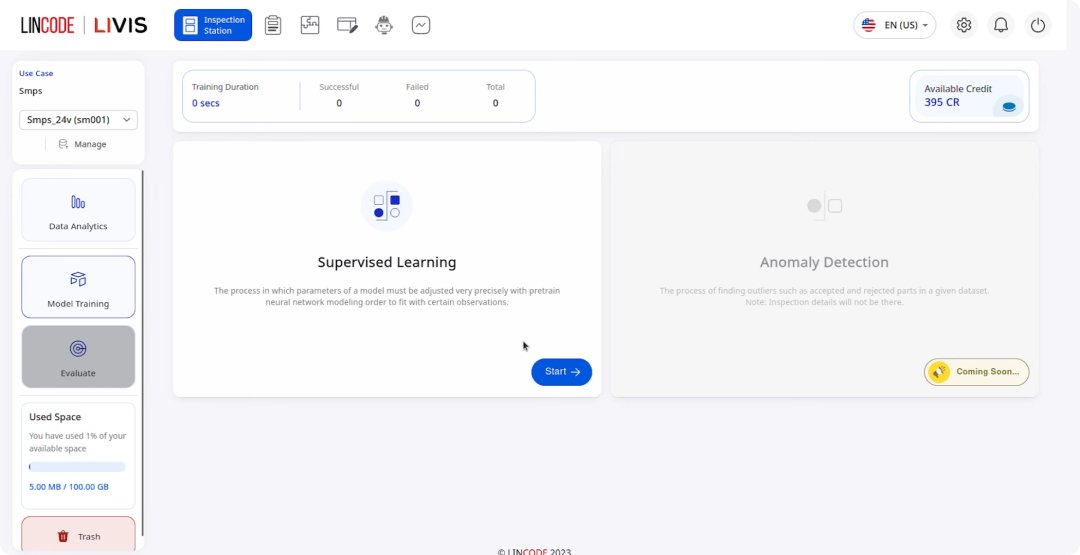
Train with both supervised learning and anomaly detection to handle new parts, defects, and production lines.
Build Accurate Models Without the Overhead
Train with both supervised learning and anomaly detection to handle new parts, defects, and production lines.
03
Deploy
Deployment Architecture
Choose the integration model that fits your operations.
Inspect every unit in real time and turn results into actionable insights.
Detect More, Without Delay
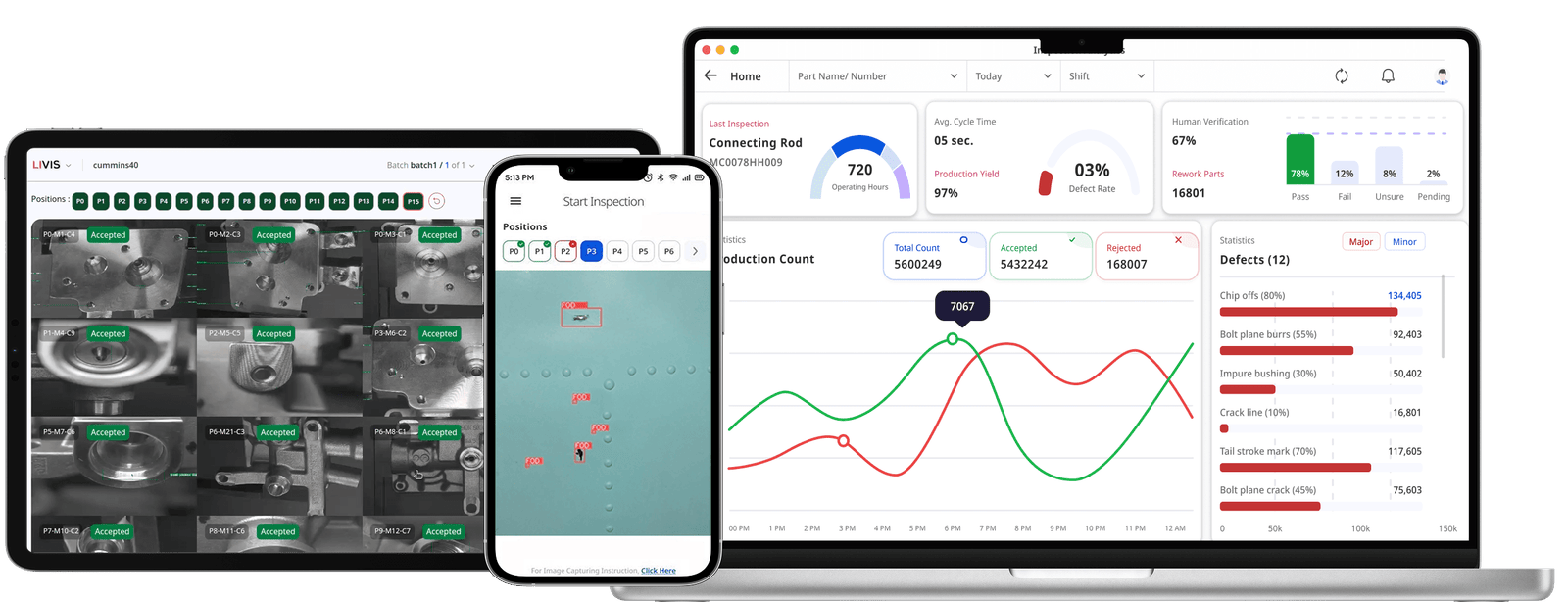
Spot multiple types of defects in real time with high accuracy and no delay to production. Operators can directly see issues on screen, ensuring confidence in every inspection.
Complete Traceability at a Glance
All PASS & FAIL outcomes are logged by date, time, and run session, giving you a clear record of every unit inspected. Because results are stored with linked images and videos, you can easily confirm where defects occurred.
Insights That Drive Continuous Improvement
The dashboard provides a full view of defect data for deeper decision-making. Perform root cause analysis, supplier grading, and predictive maintenance, and improve first pass yield, throughput, and OEE.
05
Improve
Improve Your Accuracy & Scale
Continuously improve accuracy and scale success across your entire factory network.
Keep Models Accurate with Continuous Feedback
Check inspection results and quickly re-annotate any misses to retrain models on the fly. Whether right after training or during deployment, feedback ensures models stay continuously optimized. No more black-box AI, every decision is explainable and transparent to your team.
Expand Across Lines and Factories with Ease
Easily register new lines without being locked to one type of hardware. Reuse existing trained models or adapt them for new environments to scale faster across diverse setups.
Frequently Asked Questions
How many images or samples are needed for training the AI model?
Unlike most AI-based systems, LIVIS requires minimal data for training. Typically 30 samples per defect and 30 good samples are sufficient to develop the model.
Do I need technical knowledge to build a workflow?
Unlike most AI-based systems, LIVIS requires minimal data for training. Typically 30 samples per defect and 30 good samples are sufficient to develop the model.
How long does it take to get started?
Unlike most AI-based systems, LIVIS requires minimal data for training. Typically 30 samples per defect and 30 good samples are sufficient to develop the model.
What kind of automations can Neura handle?
Unlike most AI-based systems, LIVIS requires minimal data for training. Typically 30 samples per defect and 30 good samples are sufficient to develop the model.
What integrations are available with Neura?
Unlike most AI-based systems, LIVIS requires minimal data for training. Typically 30 samples per defect and 30 good samples are sufficient to develop the model.
Didn't find an answer to your question?
Is there something you’re uncertain about? Reach out to our welcoming team for assistance.
 EN
EN  KO
KO  HI
HI  ES
ES  DE
DE